







Game
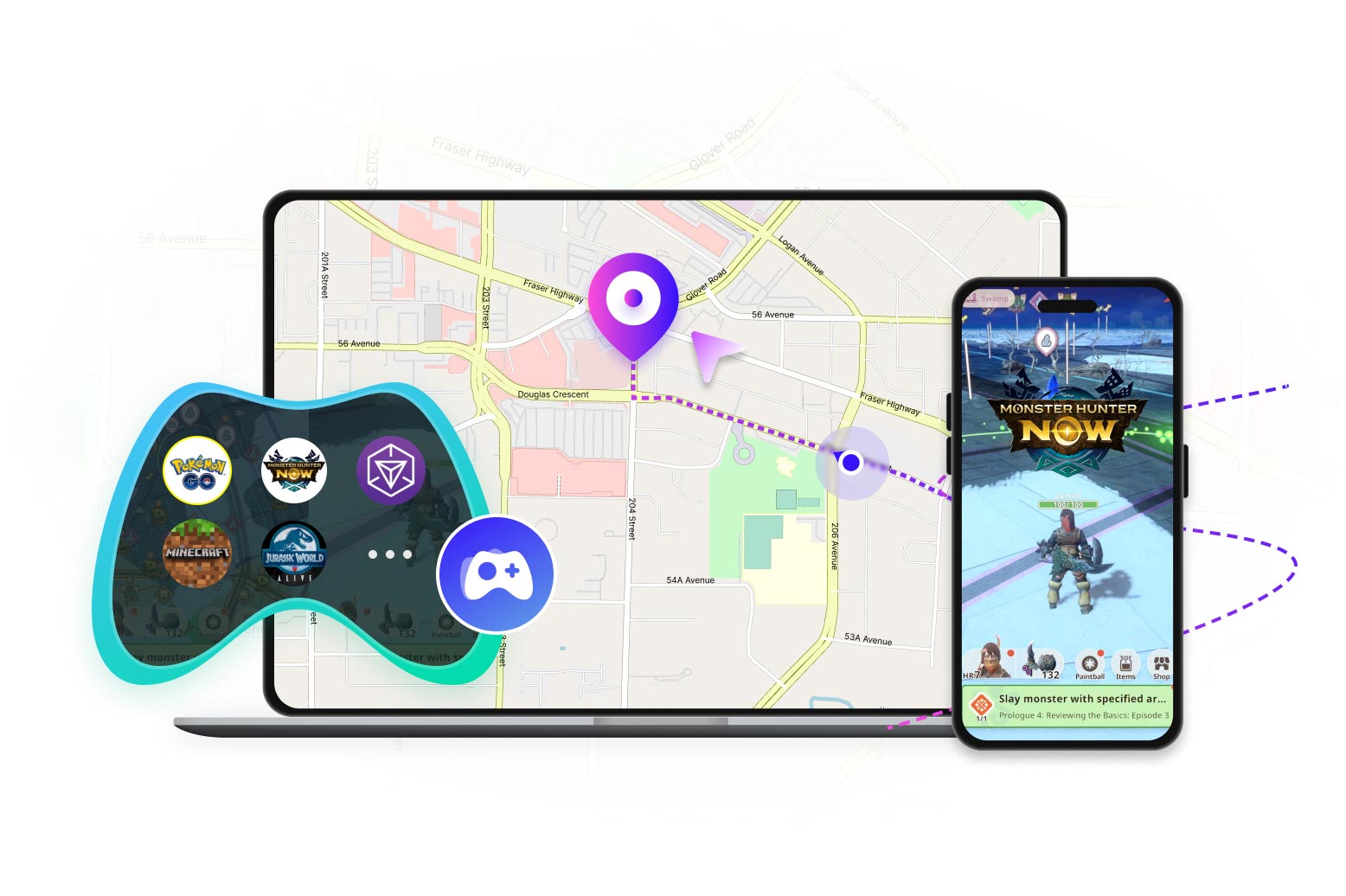
- Pokémon GO
- Monster Hunter Now
- Ingress Prime
- Jurassic World Alive
- Minecraft Earth
- etc.

Sorry, this product (or service) is currently unavailable to users in this region due to local regulations. We appreciate your understanding in this matter.
Best Location Changer for iOS & Android
iOS 27 & Android 17 Supported
Note: AnyCoord has solved common location issues in LBS games, including Error 12 in POGO and the GPS signal issue in MHN.
100% Clean & Safe
100% Clean & Safe
100% Clean & Safe
30M+Global Users
120+Countries served
100%Clean & Safe

 4.8
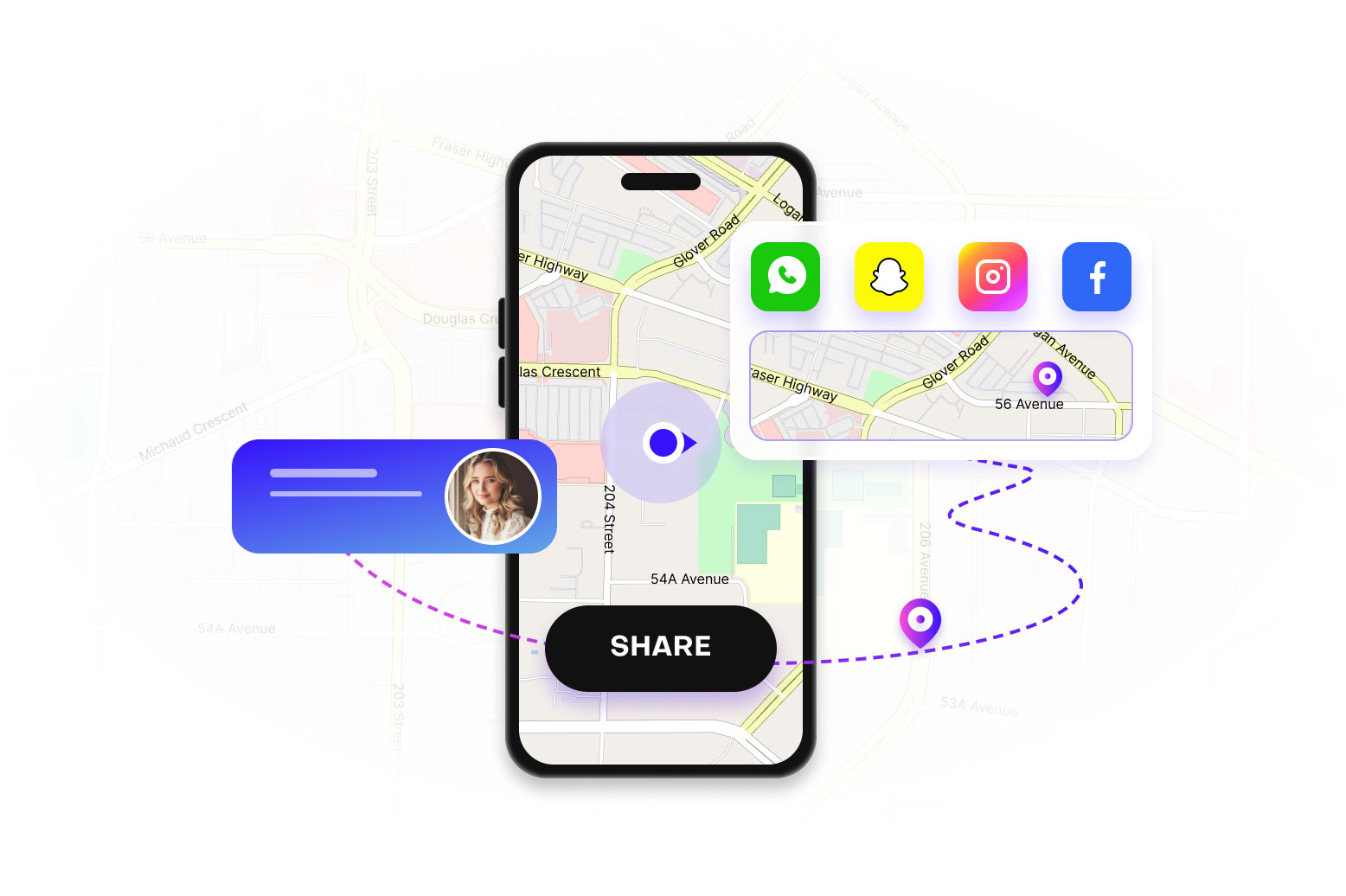
4.8 Fake Location on Social Media Apps
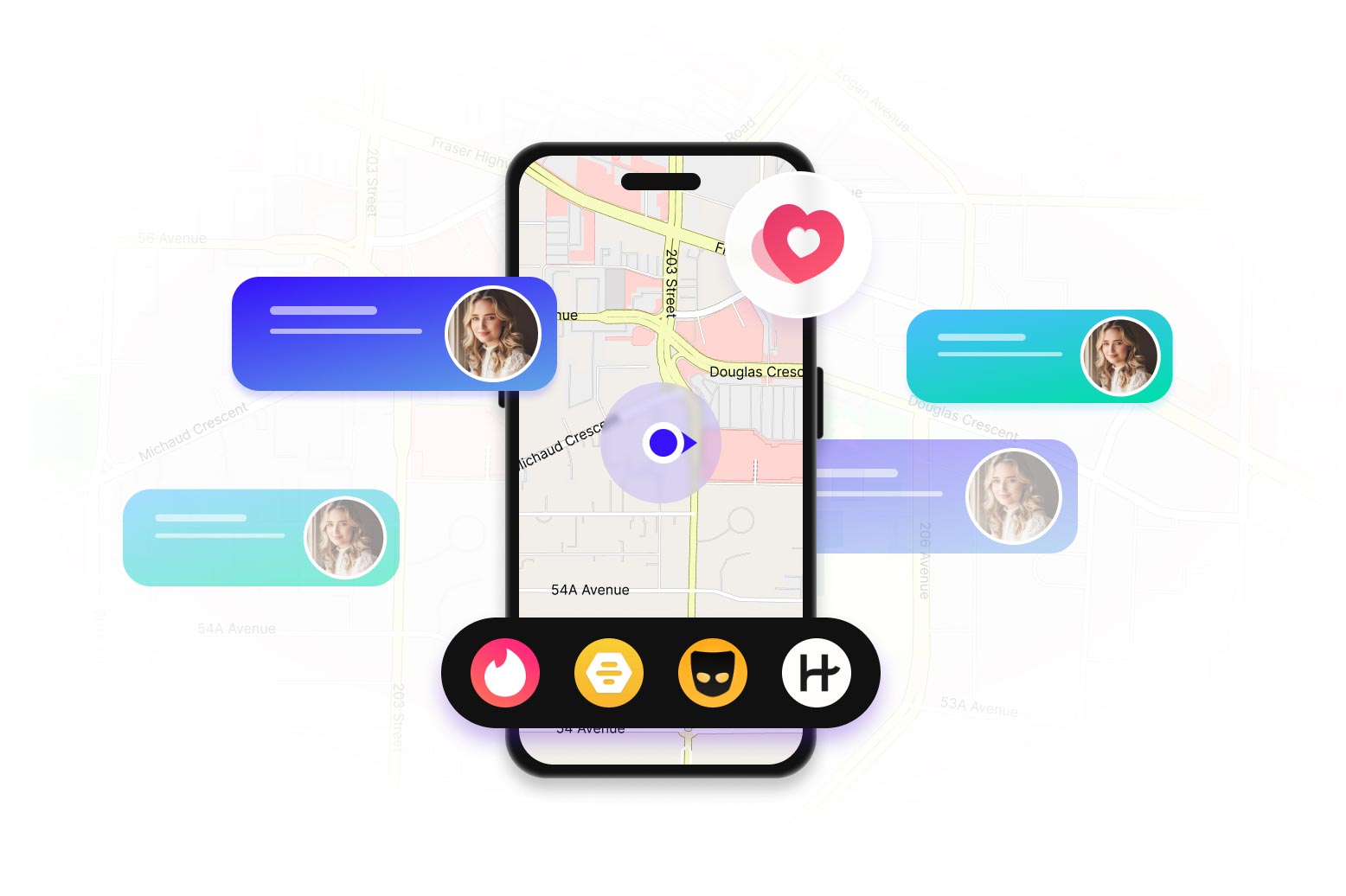
You can change your displayed location on social media apps to appear in a different city or country. It's great for privacy or connecting with people from different areas.
100% Clean & Safe
100% Clean & Safe
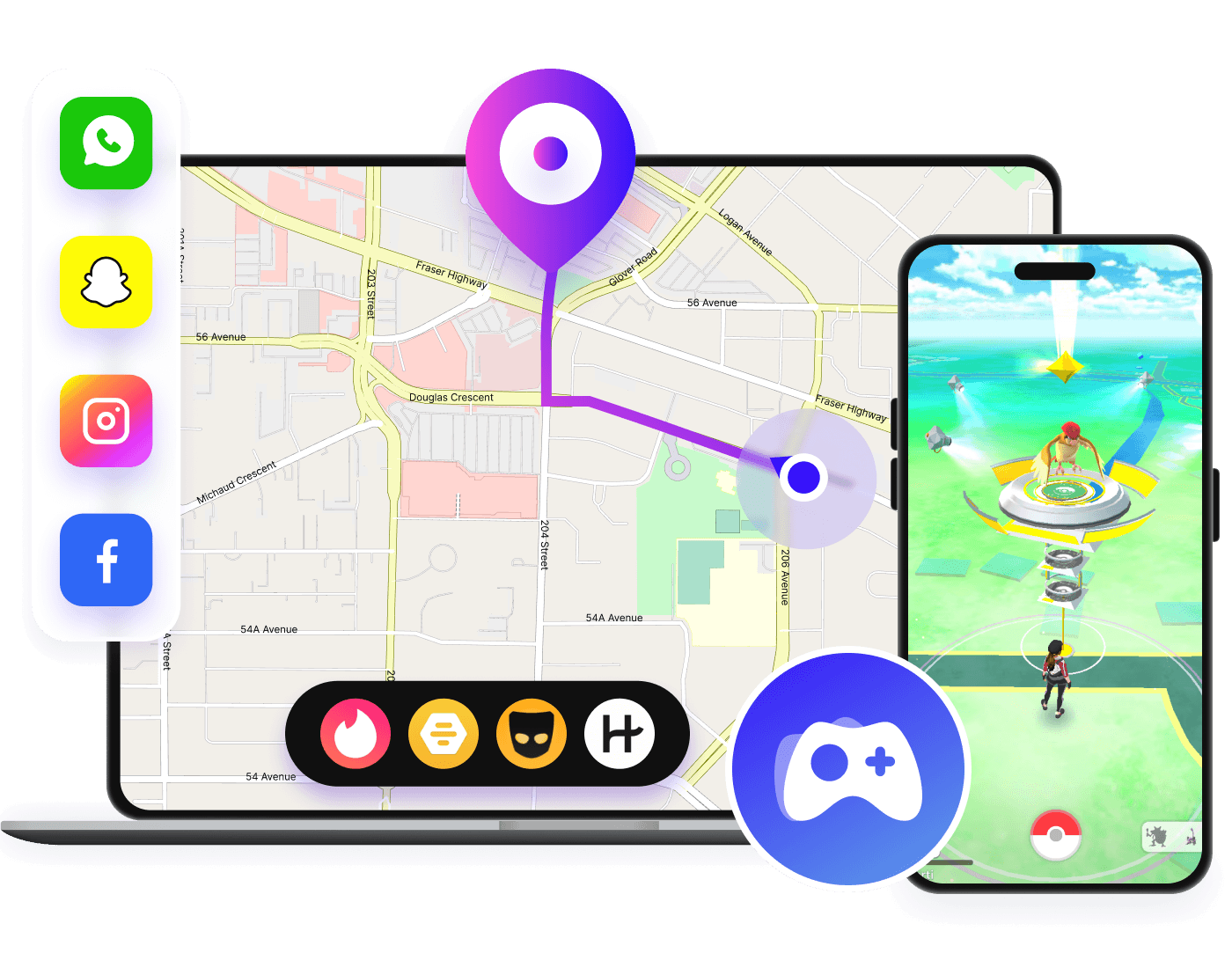
Tired of moving around when playing AR games? Stop wasting time and try AnyCoord, the perfect location spoofer for AR games like Pokémon GO. It has three modes to virtually change your location with a customized speed.
Choose your start and end points, set your desired speed, and AnyCoord Location Changer will simulate GPS movement along the path.

Fake GPS Location with Joystick
For game lovers, you can use AnyCoord Location Changer to virtually move around with a joystick or keyboard. It ensures a smooth gaming experience without any lags or interruptions.
Automatic Moving
Start moving automatically in one click and change your direction during the movement.
Full 360-Degree Navigation
Move freely in any direction, not limited to just forward, backward, left, or right.
Keyboard Control
Control movements using the keyboard. Use the arrow keys (up, down, left, right) or the WASD keys for navigation.
100% Clean & Safe
100% Clean & Safe
To ensure a better experience in changing location on iPhone or Android, AnyCoord Location Changer also provides you with some enhanced features.

Save History Records
Keep track of your virtual journeys by saving your past location changes.
Game
100% Clean & Safe
100% Clean & Safe
Step 1
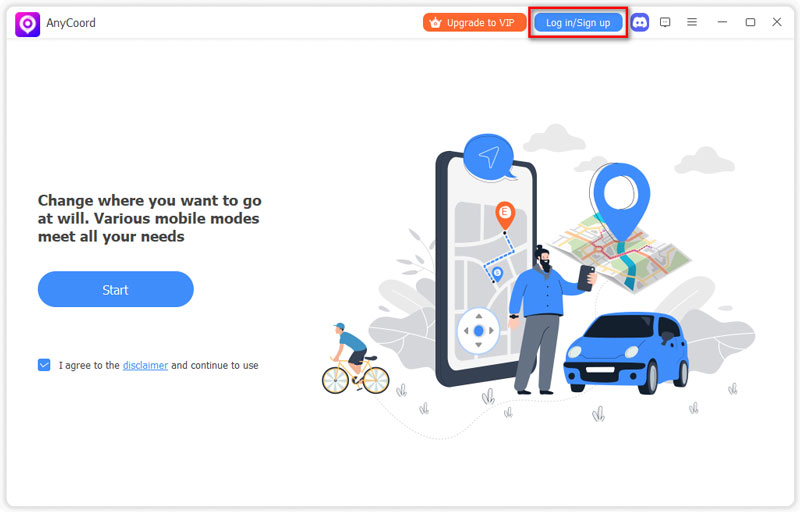
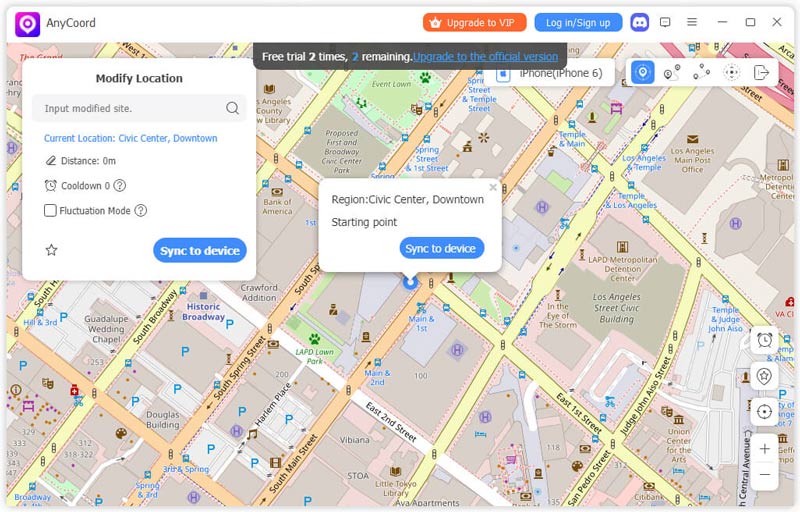
Launch AnyCoord, click Start, and connect your phone to the computer.
Step 2
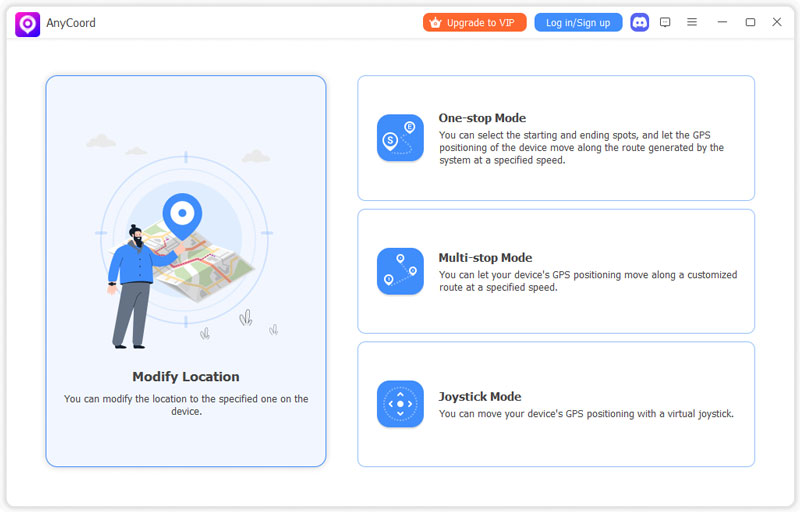
Then, select one of the four modes that you need.
Step 3
Next, input the desired locations and begin your virtual journey!
Is AnyCoord location spoofer safe to use?
Yes. We can guarantee that AnyCoord is 100% safe to download and use. There is no virus, malware, or bundled apps.
Can AnyCoord solve the "Failed to detect location Error 12”?
Yes, it can! AnyCoord supports the Bluetooth Connection feature in Pro Game Mode. It can effectively resolve the "failed to detect location error 12" issue in POGO, helping you play games smoothly.
Why my location doesn't change using AnyCoord? How to fix it?
You can go to Settings > Privacy & Security, and turn off Location Services. Then, turn off WLAN and Cellular Data. Next, wait for 10 seconds, then re-enable WLAN, Cellular Data, and Location Services.
Do I need to jailbreak my iPhone or root Android when modifying locations?
No. AnyCoord can switch locations or make virtual routes without jailbreaking iPhones or rooting Android devices. You can change your location safely and easily.
Can AnyCoord help me play AR games like Pokemon Go?
Absolutely. AnyCoord’s Pro Game Mode is tailor-made for AR games, like PoGo and MHN. With advanced Bluetooth connectivity support, it simulates natural movement paths that games can read easily. It’s the ideal solution for playing your favorite AR games smoothly and safely from home.
How to restore the real GPS location?
Restoring the real GPS location is easy. In the map interface, you can click the Back to Home button in the upper-right corner. Then, you can choose Exit and restore to real location, and click OK.
Since I started using AnyCoord Location Changer, catching Pokemon has become so much easier. I don't have to run all over anymore. I can even catch rare Pokemon from home.
Michael Johnson
Since I started using AnyCoord Location Changer, catching Pokemon has become so much easier. I don't have to run all over anymore. I can even catch rare Pokemon from home.
Emily Williams
This location spoofer is amazing. Once I set the virtual location, it shows the location I've set on most apps, like Snapchat and WhatsApp. So, I'd recommend it if you want to protect your privacy, too.
Michael Johnson
Since I started using AnyCoord Location Changer, catching Pokemon has become so much easier. I don't have to run all over anymore. I can even catch rare Pokemon from home.
Sarah Brown
Many apps track my location, which is quite uncomfortable. This location tool helps me hide my real location and protect my privacy. It's also very convenient to use, so I don't have to worry about my whereabouts being leaked anymore.
James Smith
Great tool! This location spoofer helps me access services that are geographically restricted. I can now use apps and websites that are unavailable in my region.
Sarah Brown
Many apps track my location, which is quite uncomfortable. This location tool helps me hide my real location and protect my privacy. It's also very convenient to use, so I don't have to worry about my whereabouts being leaked anymore.
Jane Smith in Paris
This Pokémon GO location spoofer brings so much fun, and it's easy to use even for a novice like me.
David Chen in London
This tool easily changes my GPS location and hides my real location, which makes me feel safer when surfing the Internet.
Jane Smith in Paris
This Pokémon GO location spoofer brings so much fun, and it's easy to use even for a novice like me.
David Chen in London
This tool easily changes my GPS location and hides my real location, which makes me feel safer when surfing the Internet.
Matthew Thompson in Los Angeles
AnyCoord helps a lot. Some websites and services are only available in specific regions, but now I can easily access this content.
Daniel White in Toronto
As an AR game lover, I strongly recommend AnyCoord. It's great fun to play Pokemon with it!
Matthew Thompson in Los Angeles
AnyCoord helps a lot. Some websites and services are only available in specific regions, but now I can easily access this content.
Daniel White in Toronto
As an AR game lover, I strongly recommend AnyCoord. It's great fun to play Pokemon with it!